 learndesign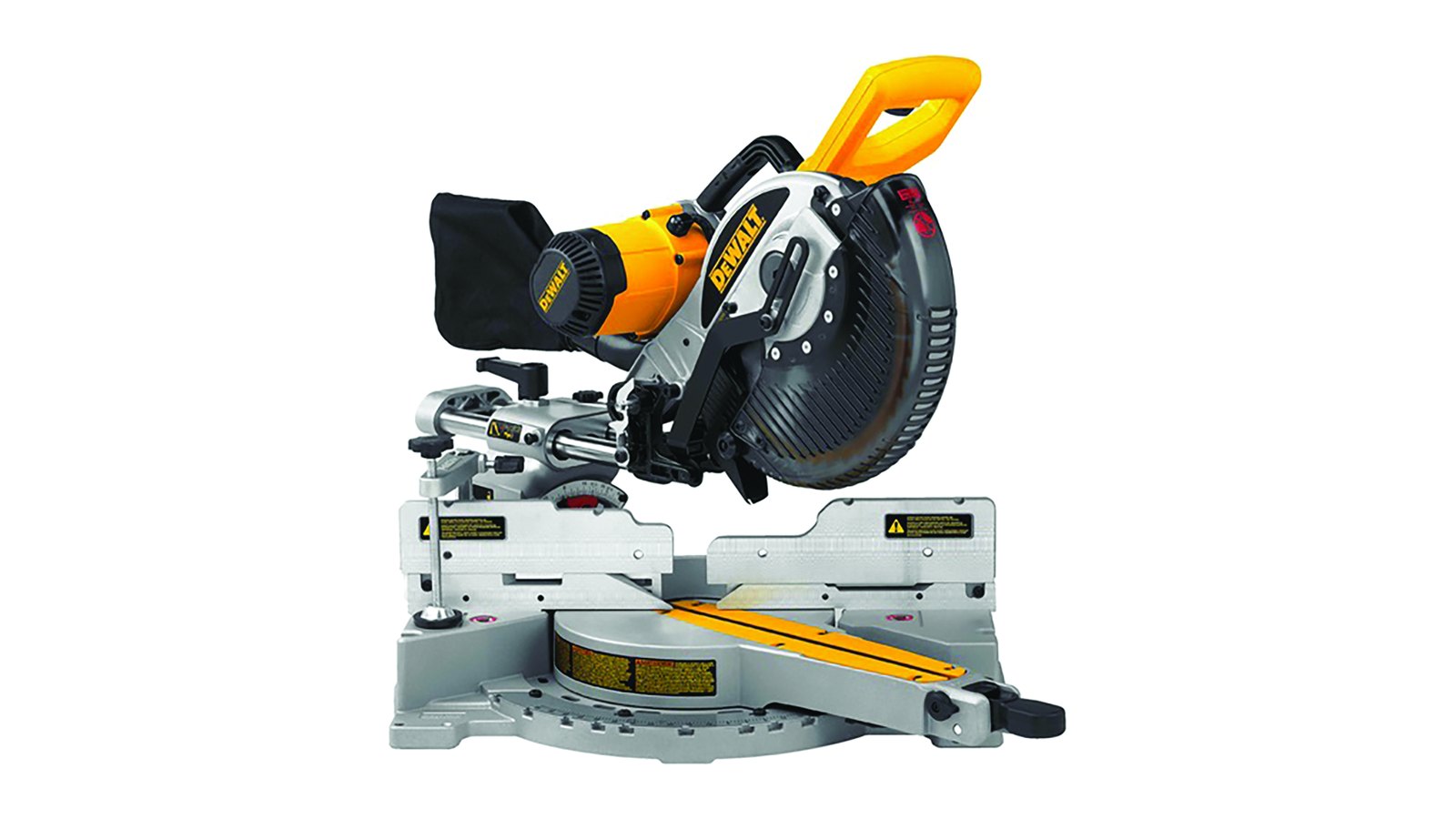
Post ·
Mitre saw safety
Twelve rules for the sliding mitre saw, with diagrams of the two that cause most accidents, hands inside 150 mm of the blade and sliding the head toward yourself. Read, initial, sign, then cut.
Guides and notes, newest first.
Post ·
Twelve rules for the sliding mitre saw, with diagrams of the two that cause most accidents, hands inside 150 mm of the blade and sliding the head toward yourself. Read, initial, sign, then cut.
Post ·
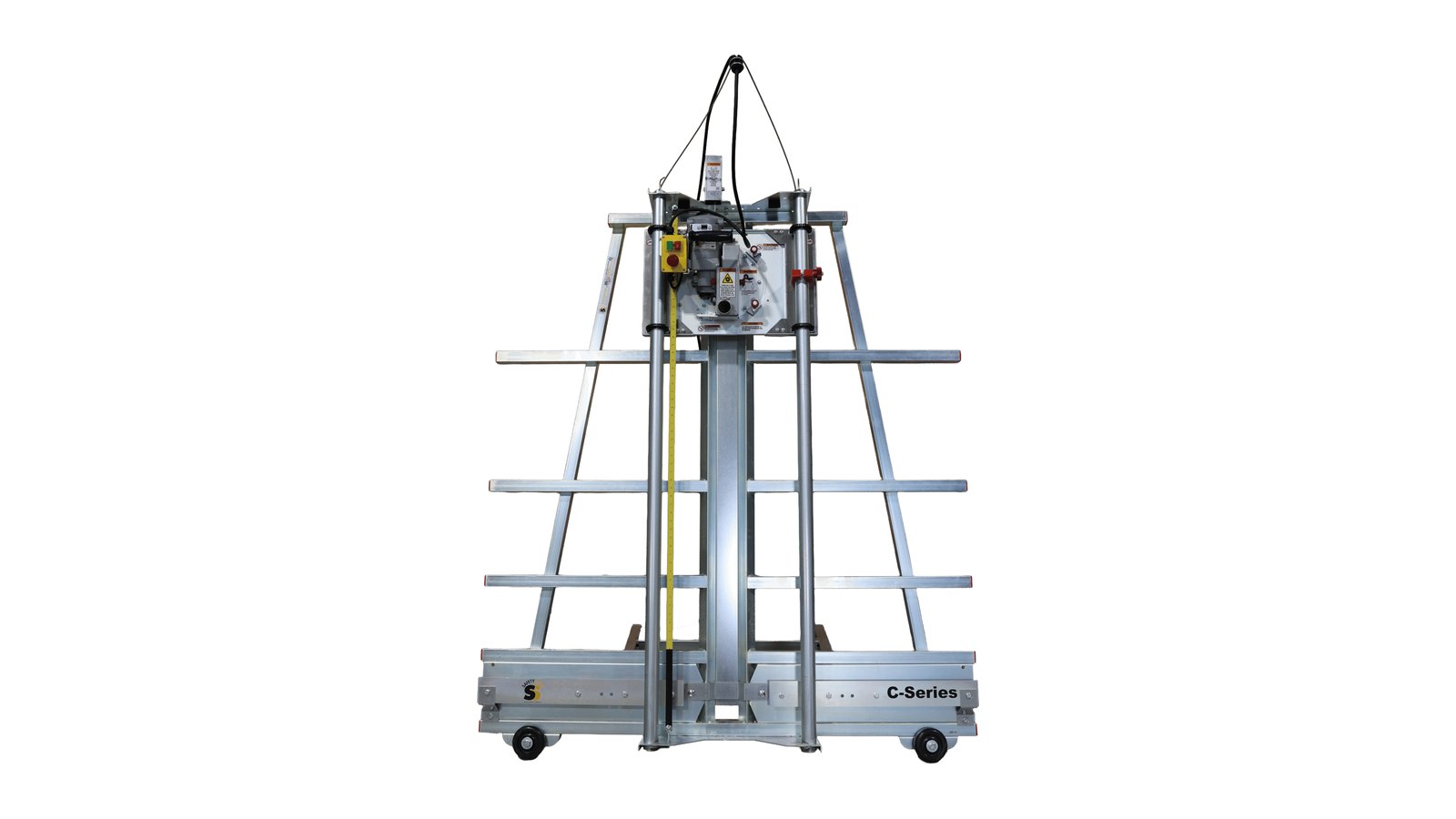
Twelve rules for the Safety Speed vertical panel saw, with diagrams of where hands never go, how a crosscut runs top-down, and why a rip cut only feeds one way. Read, initial, sign, then cut.
Post ·
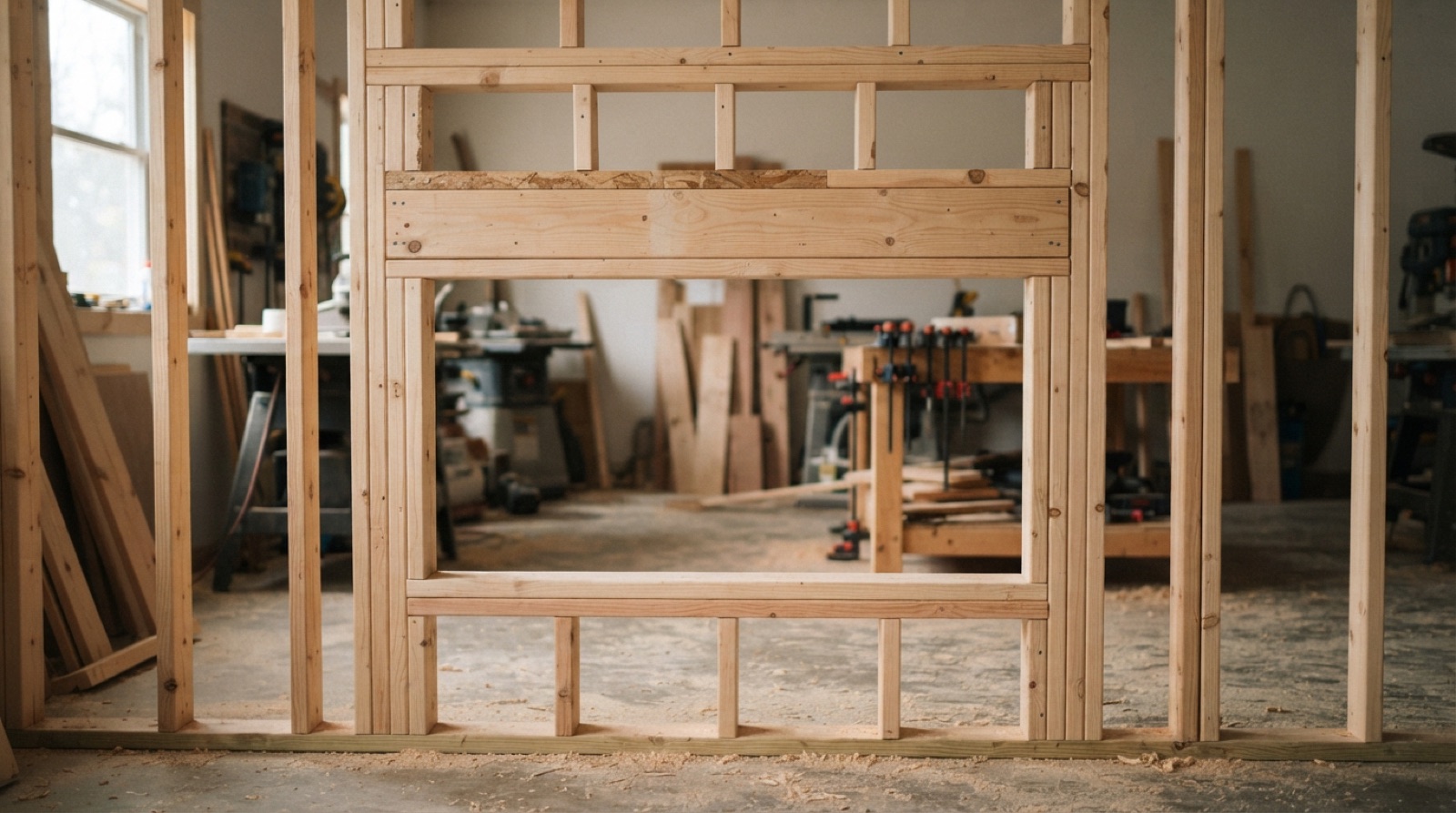
How a stick-framed wall is put together in Ontario, and how doors and windows are framed into it. Stud spacing, plates, king and jack studs, headers, cripples and rough openings, with the numbers you need to lay one out.
Post ·
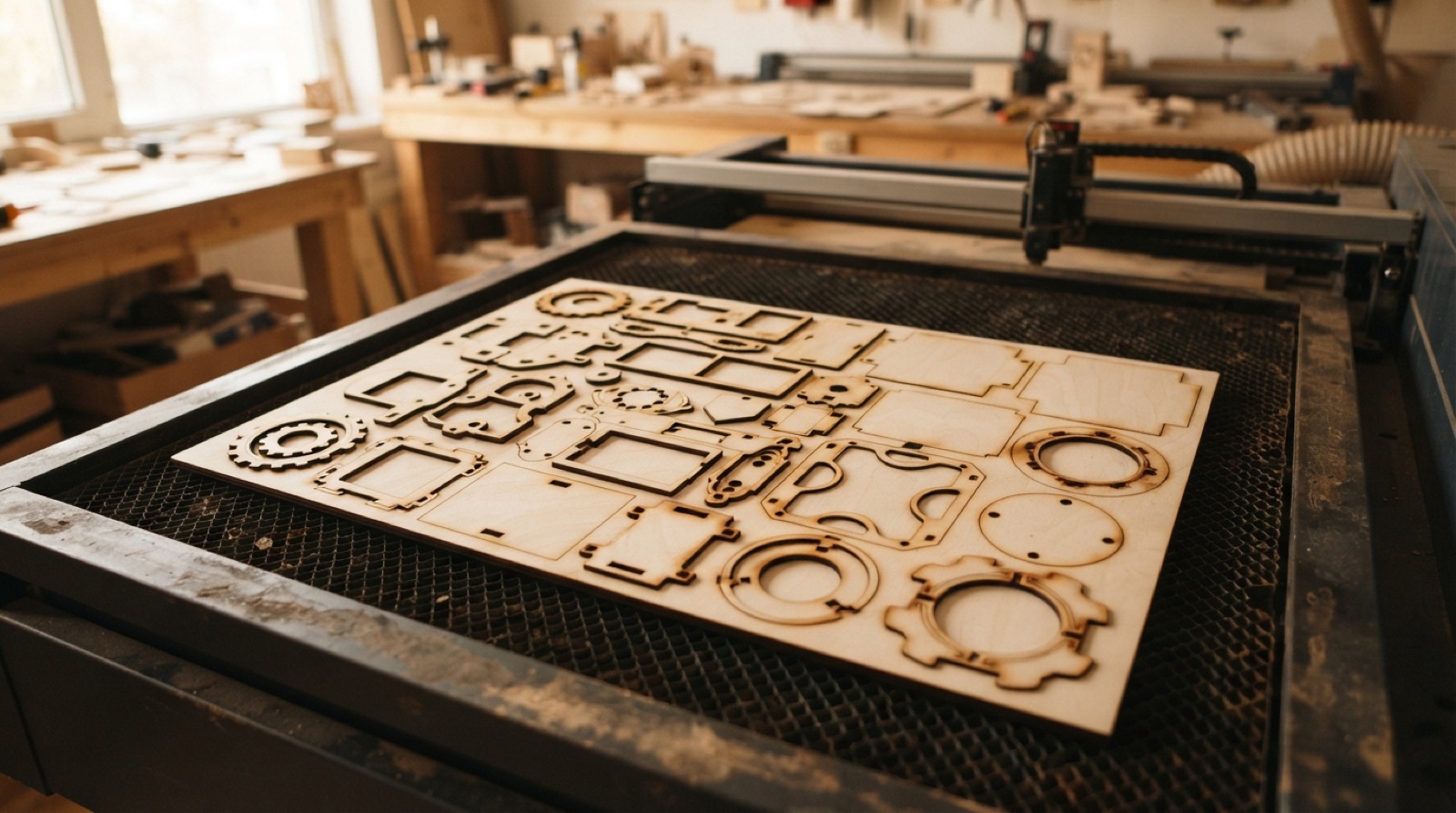
Modify → Arrange packs every flat part of your model onto a 600 × 300 mm sheet in one go. Set the envelope, pick the components, read the result, then project the layout to a sketch and save it as a DXF.
Post ·
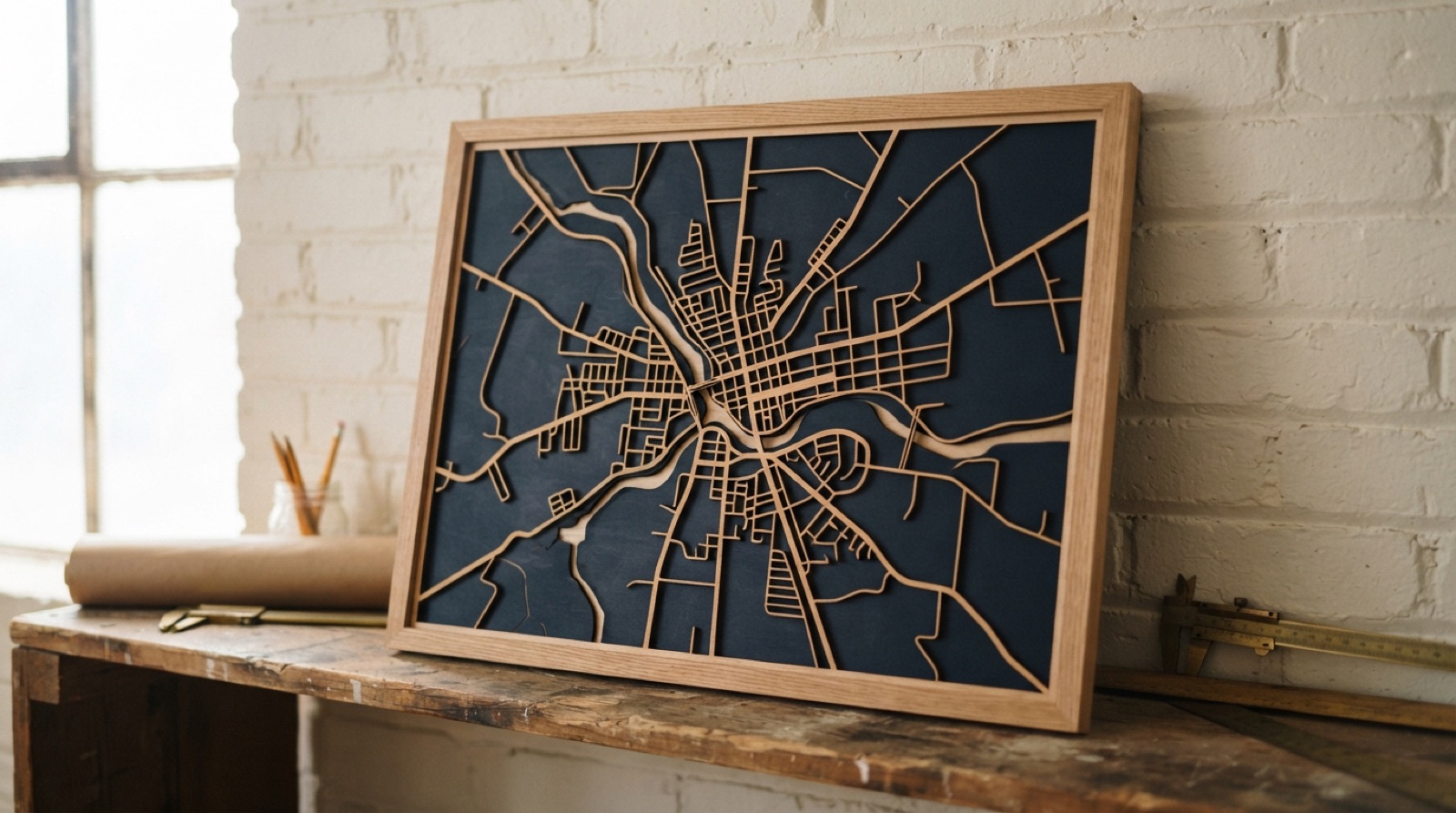
Pull real street data out of OpenStreetMap as vectors, turn the roads into cuttable shapes in Illustrator, and decide whether the roads are the wood or the gaps before you send it to the laser.
Post ·
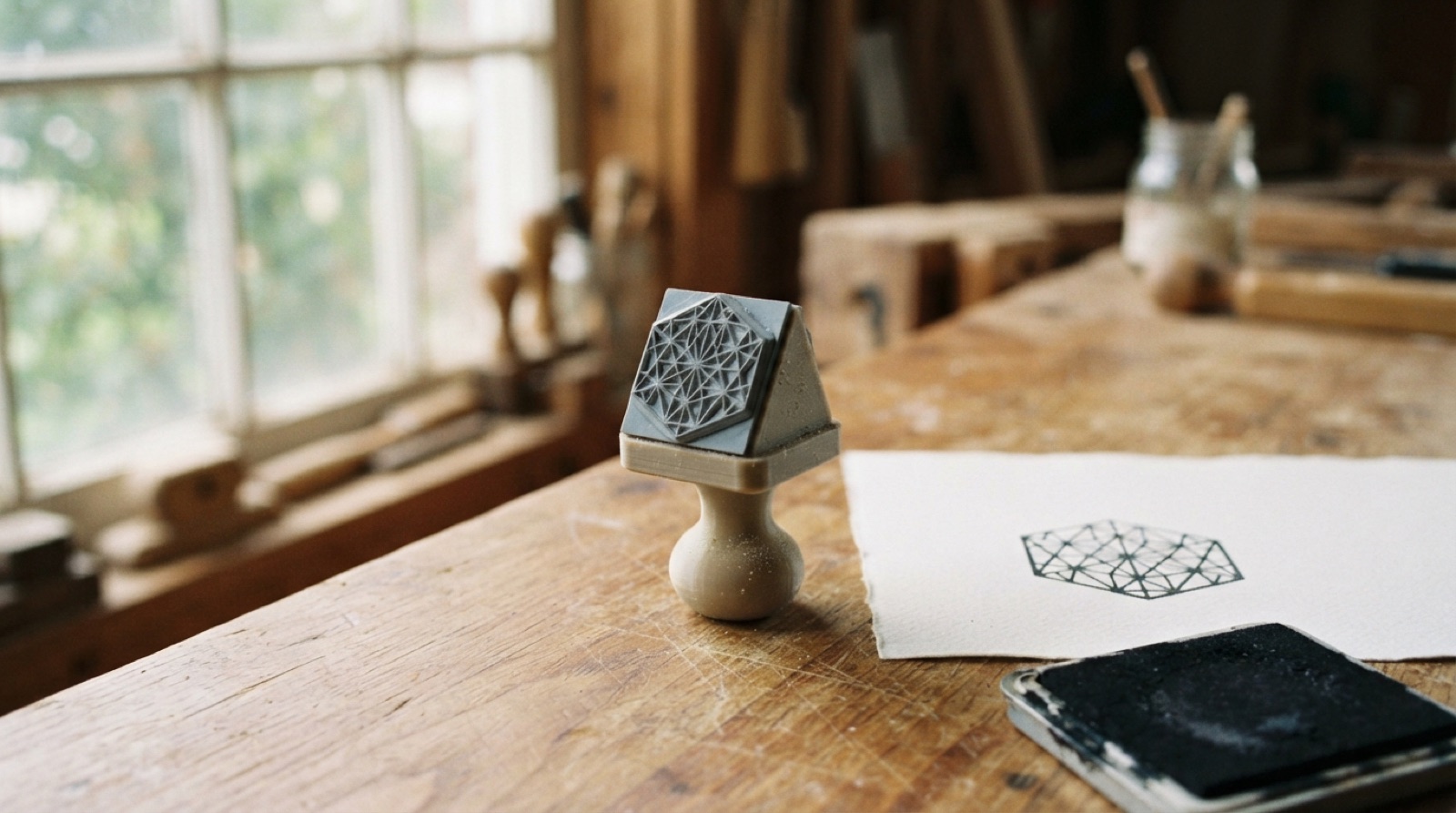
Engrave a die into laser rubber, print a handle that fits it, and you have a tool that neither machine could make alone. Artwork rules, mirroring, Speedy settings and a Fusion handle in one short walk-through.
Post ·
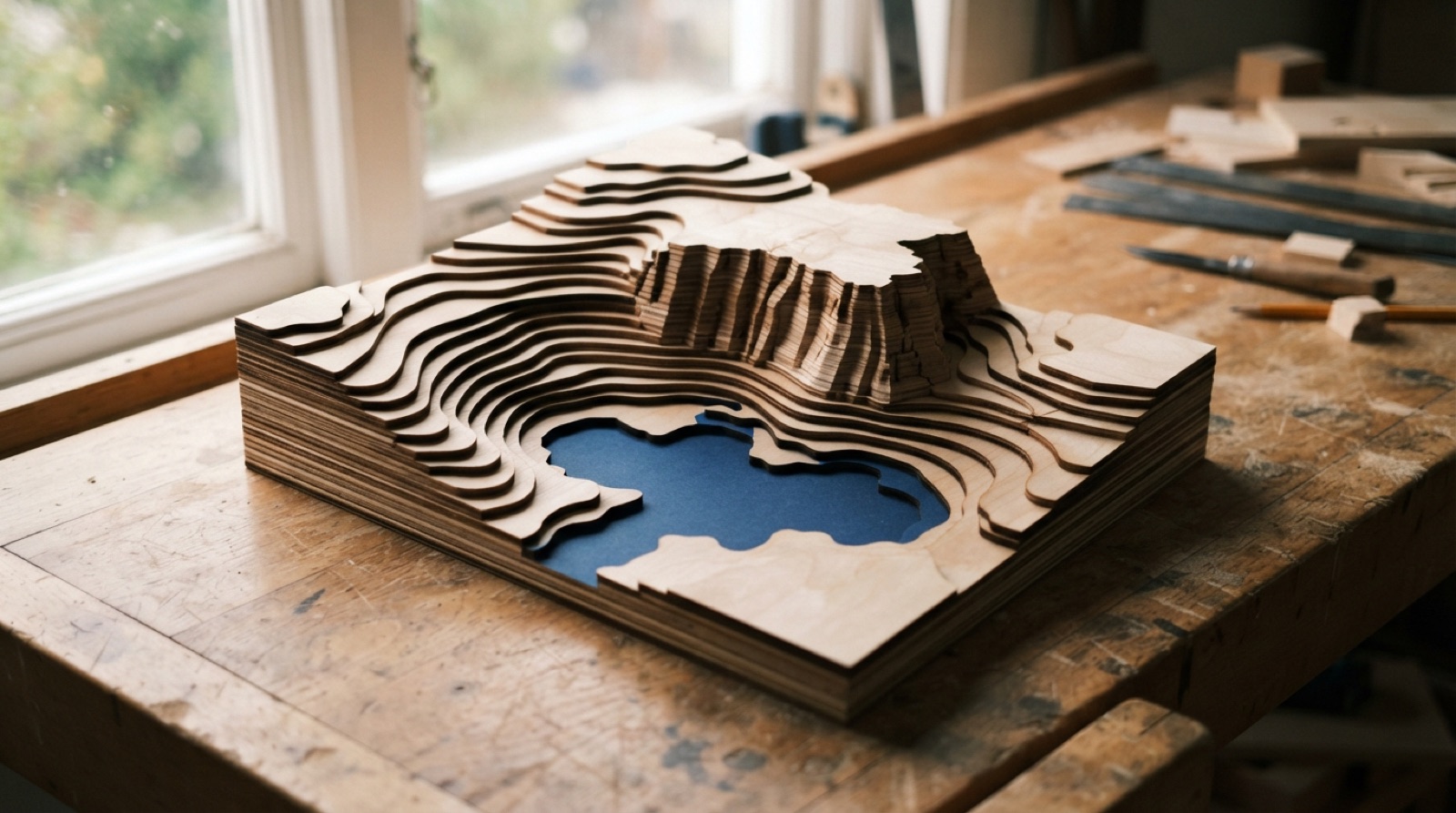
A landscape as a stack of plywood contours. Two routes to the cut files, one through a terrain model and Fusion's slicing template, one through real contour lines in QGIS and Illustrator, plus how to pick the vertical scale so Ontario does not come out flat.
Post ·
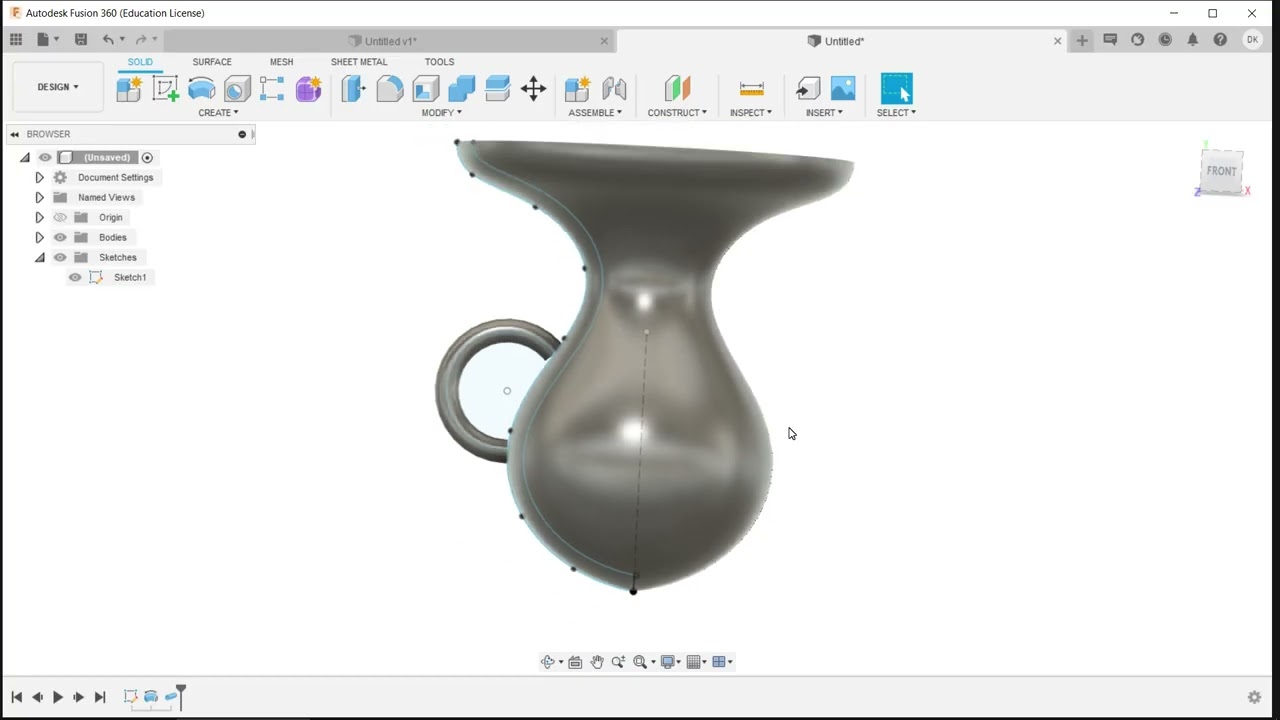
Draw half a vase as a spline, spin it around its centre line with Revolve, then add a handle with Pipe. Three features, and the shape is all in the sketch.
Post ·
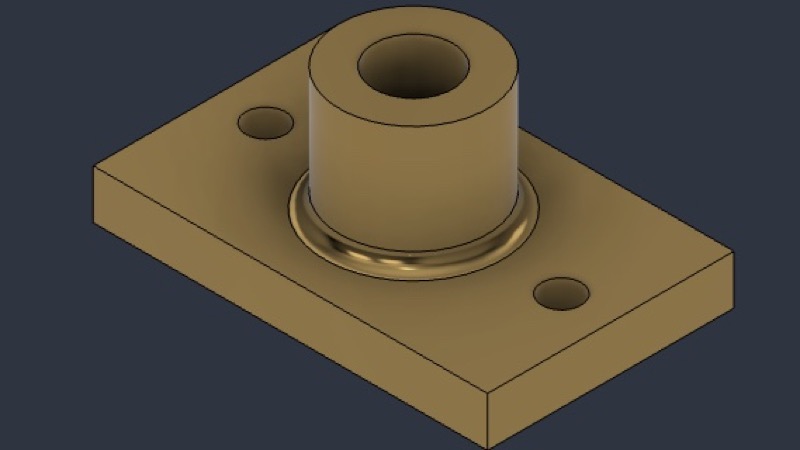
Model a flanged bushing from its technical drawing in Fusion: two extrudes and a fillet. The weight on the drawing tells you if you got it right.
Post ·
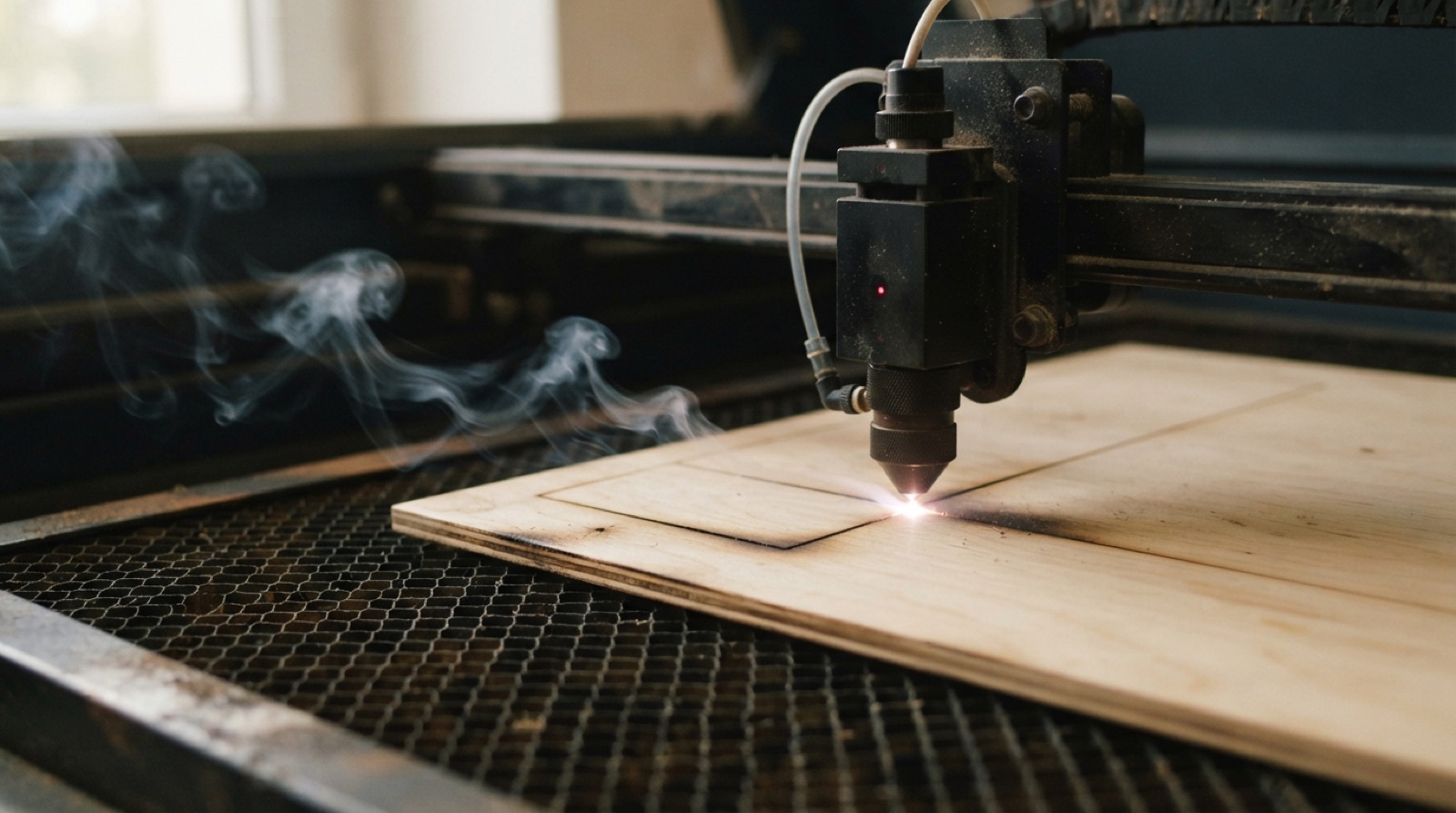
What is actually happening inside the laser cutter, and the three ways to use it. Cutting, line engraving and raster engraving are the same beam doing three different jobs.
Post ·
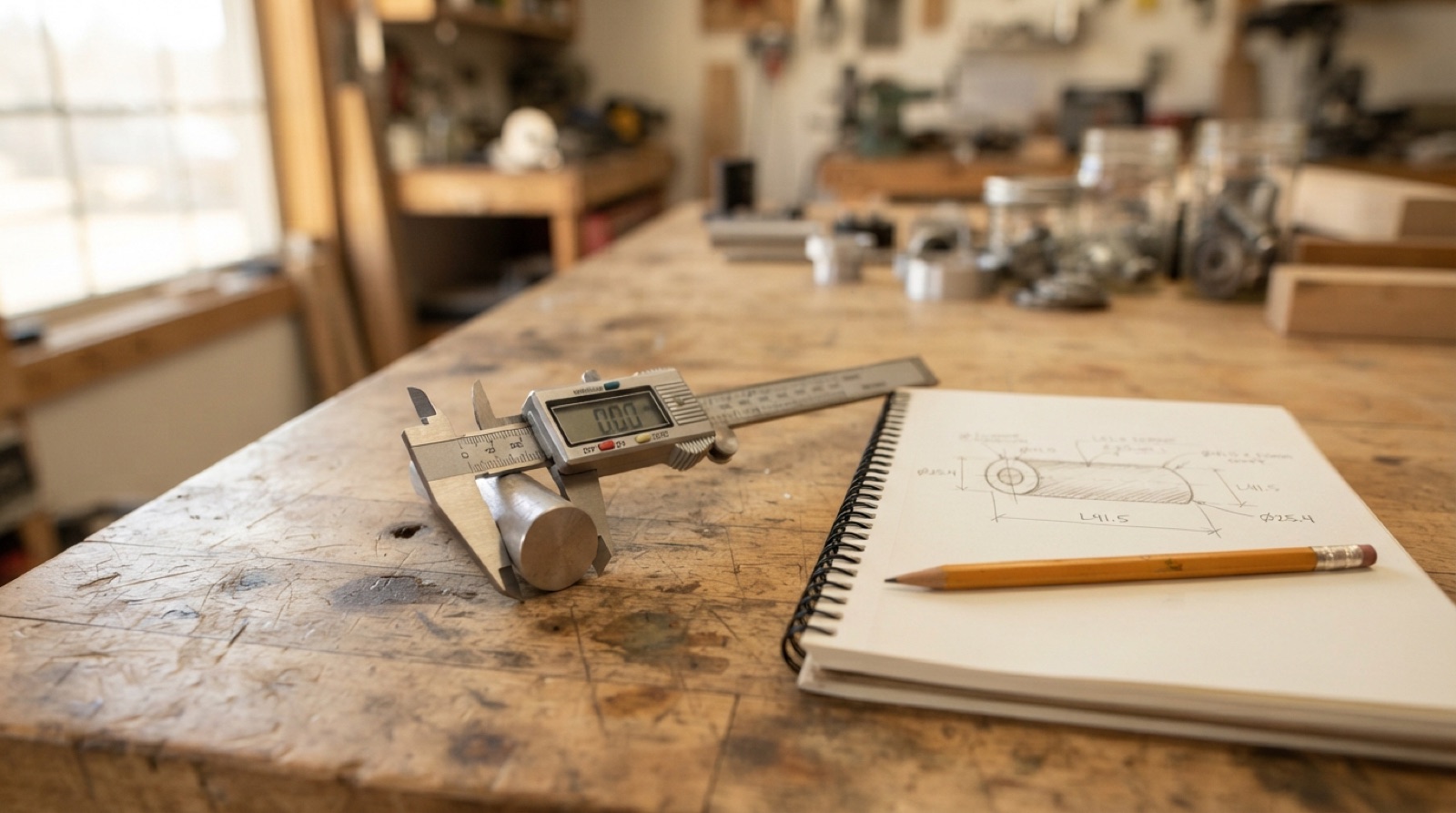
Calipers measure three ways, across a part with the big jaws, inside a hole with the small jaws, and down into a hole with the rod on the end. How to hold them for each, what the number means, and how to write it down so you can model from it.
Post ·
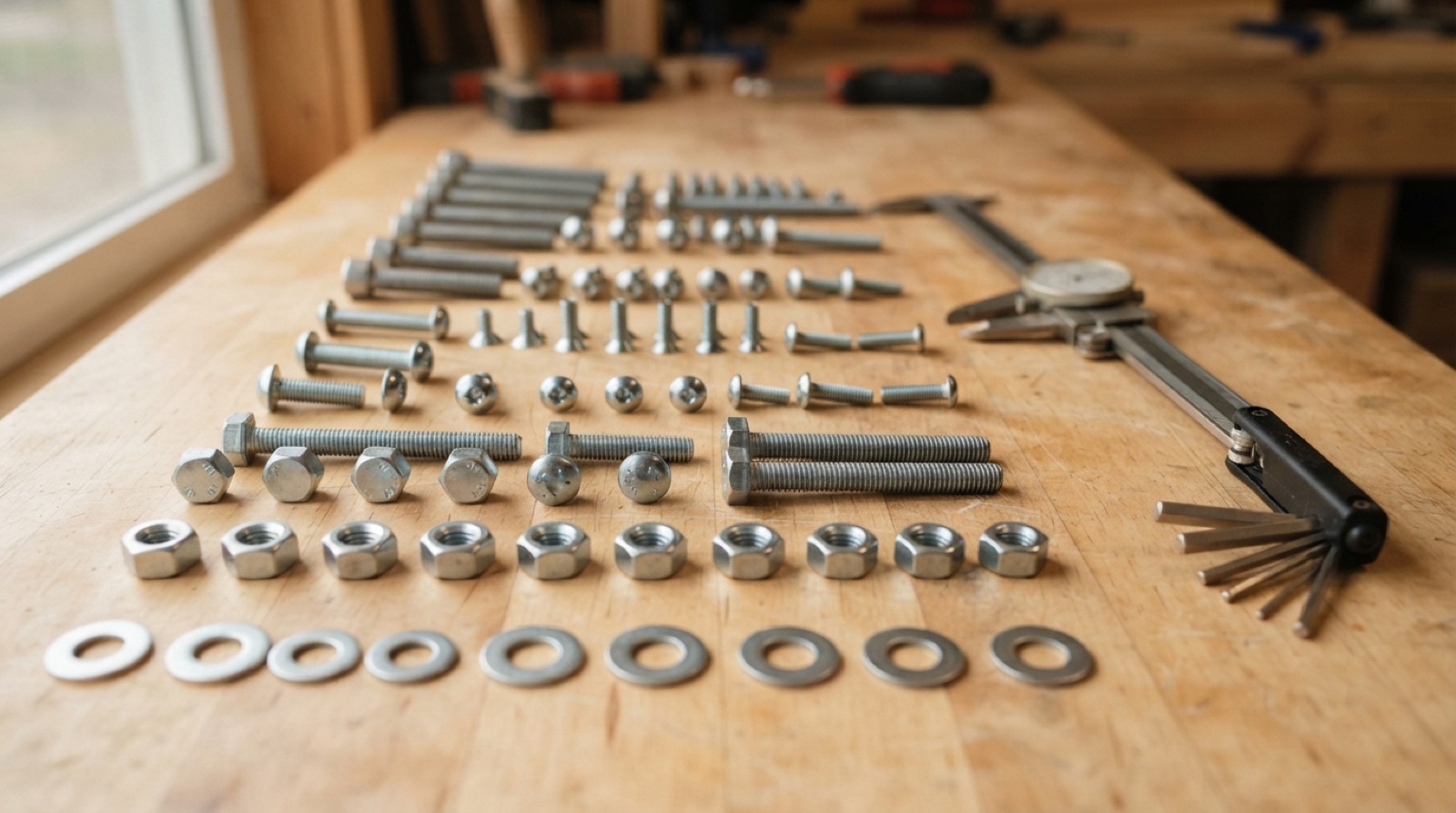
How to read a screw or bolt by its head, drive, thread, length and material, so you can name it, find a match, and take a product apart without stripping anything.

Post ·
The laser removes a sliver of material on every cut. Here is how to measure it on your machine and design joints that account for it.

Post ·
The parts are already in place, so tell Fusion how they move. Revolute and slider as-built joints, a sub-assembly you can copy, and limits so the motion stays real.

Post ·
Fusion's toggle clamp sample, assembled from six parts with revolute, cylindrical, ball and rigid joints, then given motion limits so the handle stops where a real one would.
Post ·
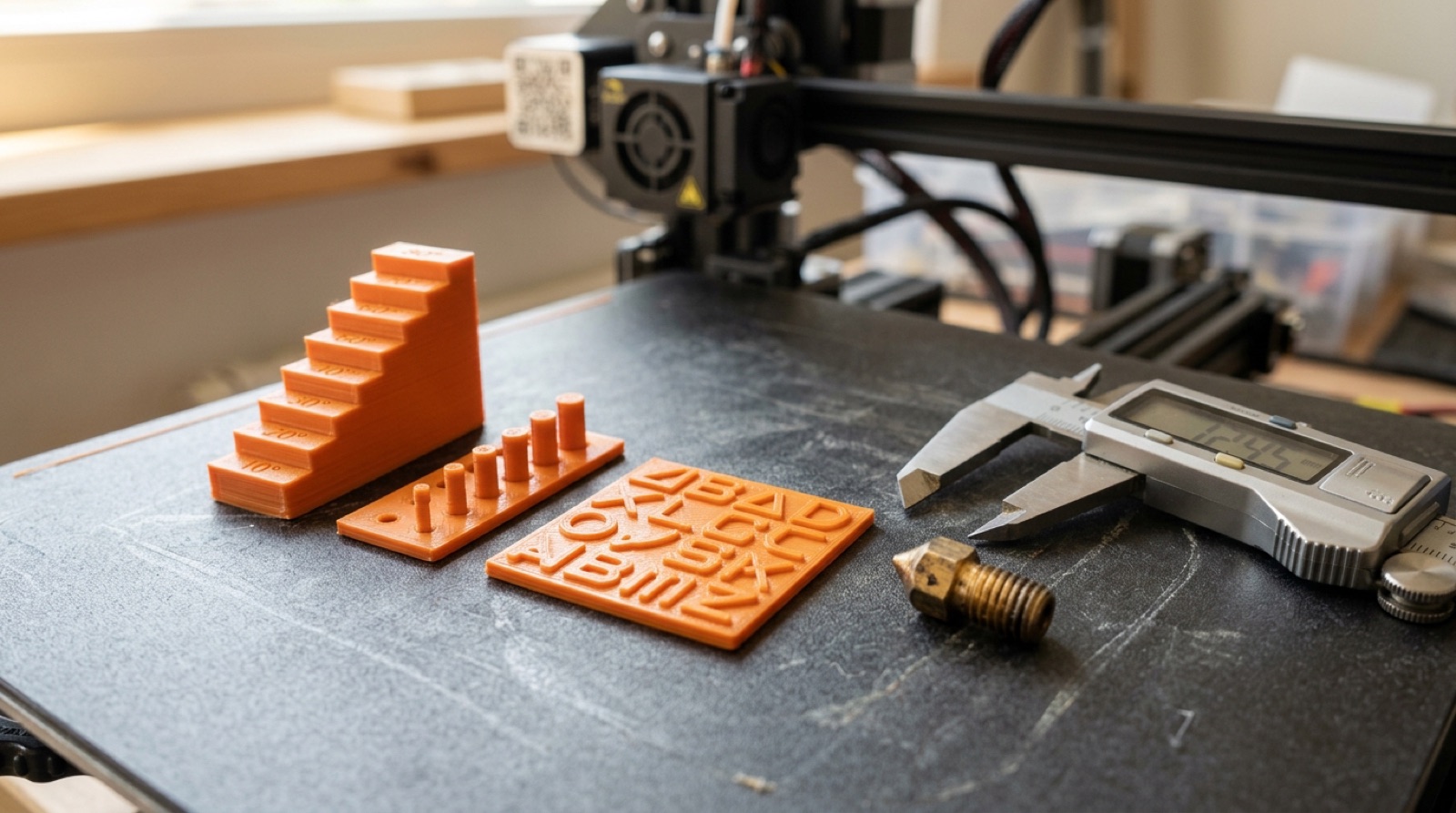
The numbers that make a part print well on a filament printer. Tolerances for fits, the overhang rule, minimum feature sizes, and how nozzle size sets both the layer height you can use and the smallest detail you can make.

Post ·
Modelling a tray and a phone stand in the style of Ugmonk's Gather system. Sketch, extrude, cut, project, and a lot of fillets.

Post ·
Let MakerCase generate the box, then bring the DXF into Fusion, extrude the panels and snap them together with Align. You end up with a box you can modify in 3D and still cut flat.

Post ·
States, transitions, triggers, guards, actions. How to describe an interactive system before you build it, with a turnstile, a video game character and a tap-access door.

Post ·
Two flat profiles, a slot in each, and they slide together into a 3D form. The fastest way to get a solid-looking object out of sheet material.

Post ·
Fusion's Model from Sketch sample, step by step. Two-sided extrude to an object, symmetric extrude from the mid-plane, projecting a circle onto a face, mirroring a feature, a fillet, and a mass check at the end.

Post ·
Five user parameters drive a 3D-printable frame. Change the width and height and the frame rebuilds for a 4×6, an 8×10 or a 200 mm square without touching the sketch. Also a reference for fully defined sketches and the constraint tools that get you there.

Post ·
Any gear you add to a pegboard has to mesh with the ones already there and land on a 1" hole. Here is the arithmetic, the Spur Gear add-in settings, and a motion link to prove it.

Post ·
A 3D-printable icing nozzle where the number of teeth, the wall thickness and the diameter are all parameters. Loft, thicken, emboss, circular pattern, pipe.

Post ·
Draw one section, revolve two discs, pattern the section around an axis and cut every slot with one Combine. A vase, a lampshade or a sculpture from a single sheet.

Post ·
Split any solid into layers the thickness of your sheet, arrange them on the material and cut. Bigger than a 3D printer can manage, and every layer is one flat outline.

Post ·
Extrude pushes a profile in a straight line. Sweep drags it along a path. Revolve spins it around an axis. An organic bench and Fusion's trumpet sample show all three.

Post ·
Six LEDs, two buttons, four states, no delay(). A two-direction traffic light where a timer or a button press moves the system on, and the code is one switch statement.